The Core Mechanics: How Each Platform Delivers Games
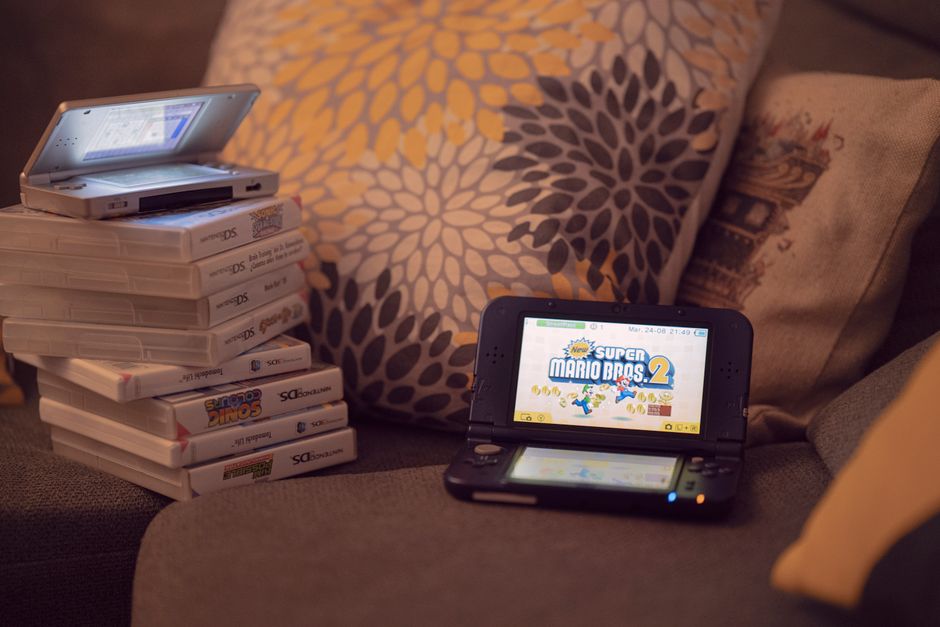
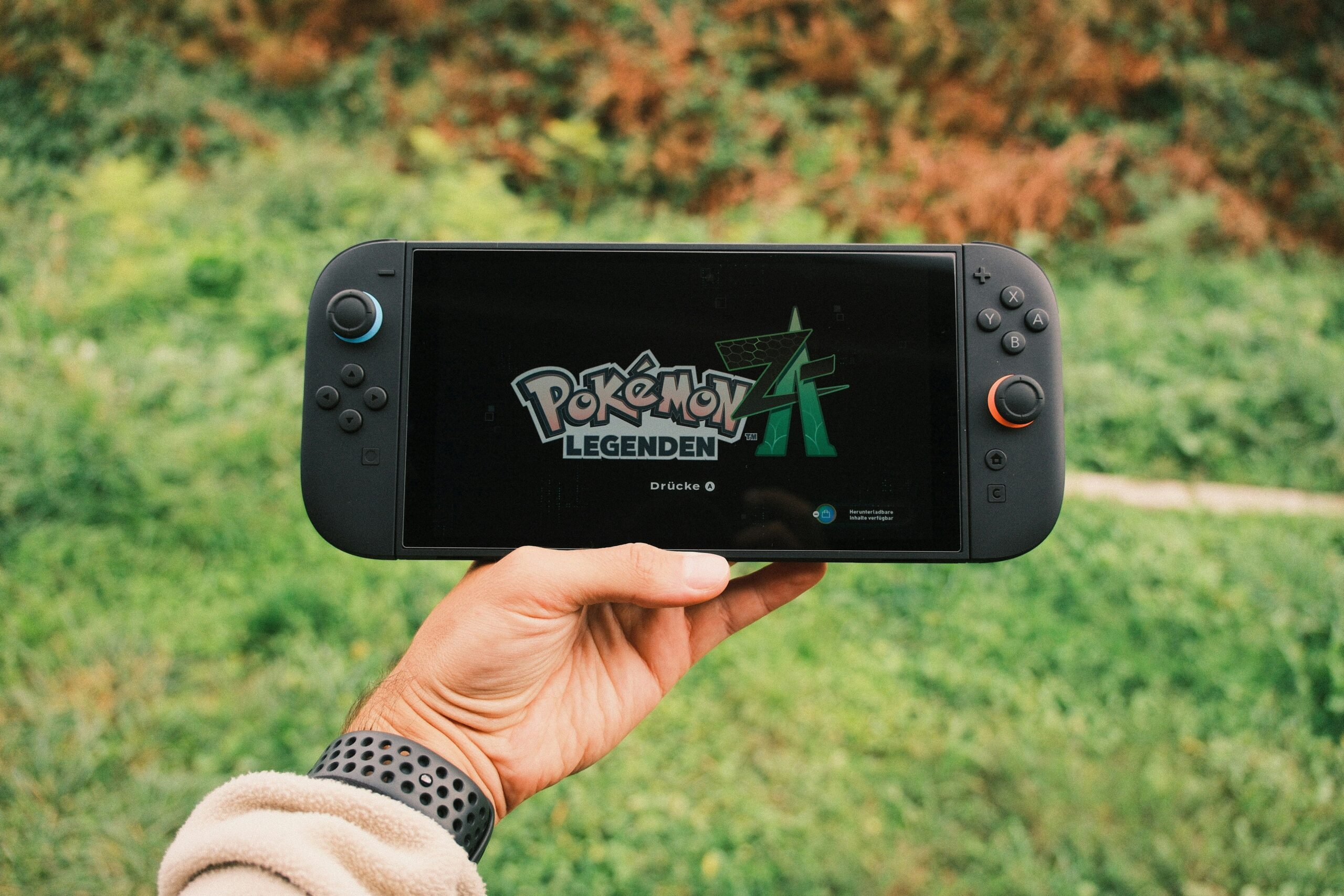
Cloud gaming, often termed gaming-as-a-service (GaaS), operates on a streaming model. A game is rendered on powerful, remote servers in a data center. Your inputs—button presses, joystick movements—are sent over the internet. The server processes these, renders the next frame of video, and streams that video back to your device. Services like Xbox Cloud Gaming (xCloud), NVIDIA GeForce NOW, and Amazon Luna exemplify this. Console gaming, conversely, relies on local hardware processing. A dedicated physical unit—a PlayStation 5, Xbox Series X, or Nintendo Switch (in handheld mode)—contains a GPU, CPU, and RAM designed specifically to run games. Every calculation happens on the machine in your living room, with the TV or monitor acting solely as a display output.
Performance: Latency, Resolution, and Frame Rates
The most significant technical chasm between the two is latency, often called input lag. Console gaming offers near-instantaneous reaction times. When you press a button, the electrical signal travels through the controller, to the console, and the game reacts within milliseconds. Cloud gaming introduces unavoidable network latency. Your command must travel to a server potentially hundreds of miles away, be processed, and the resulting video streamed back. Even with 5G or fiber optic connections, a baseline latency of 20–50ms is common, which can be jarring in competitive shooters like Call of Duty or fighting games. However, cloud gaming has closed the gap in visual fidelity. Top-tier cloud services can stream at 4K resolution at 60 frames per second (fps), matching the peak performance of a PS5 or Xbox Series X. The catch is compression artifacts—loss of fine detail in dark or high-motion scenes due to bitrate limitations. Consoles deliver a pristine, uncompromised pixel stream directly from the HDMI port. Console fans also benefit from consistent frame pacing, while cloud streams can stutter or drop resolution during network congestion.
The Hardware Equation: Cost, Upkeep, and Obsolescence
Console gaming requires a significant upfront investment. A new-generation console costs $400–$500, plus around $60–$70 for each game title. Over a seven-year console cycle, you might spend $2,500–$4,000 on hardware and games combined. Cloud gaming eliminates this capital expenditure. You pay a monthly subscription fee—typically $10–$20 per month—and can play on hardware you already own: a laptop, tablet, phone, or a low-cost streaming stick like a Chromecast. The catch is that you never own the hardware. You are renting access to a library and server farm. This model protects you from obsolescence; the cloud servers are upgraded continuously, while your console will show its age after five years. However, console hardware is a singular, known quantity. You buy it, it works. Cloud gaming’s performance is entirely dependent on your internet service provider (ISP), your home router quality, and whether you use Wi-Fi versus a wired Ethernet connection. A poor Wi-Fi signal can turn a 4K stream into a blocky, unplayable mess.
Game Libraries: Ownership, Access, and Rotations
Console gaming provides ownership. A physical disc or digital download is yours to keep, resell, or trade. You can build a collection spanning decades. However, this comes with storage constraints. Modern games regularly exceed 100GB, forcing users to delete and reinstall titles. Cloud gaming offers instant access to a rotating library. Services like Xbox Game Pass Ultimate include hundreds of games. You can try a new title in seconds without a download. The downside is ephemerality. Games leave the service monthly due to licensing expirations. If you are halfway through a title and it departs, you must purchase it to continue—often at full price. Exclusive titles also play a role. Sony’s flagship games (The Last of Us, God of War Ragnarök) are not on cloud services. Nintendo games are famously absent from the cloud. Microsoft, aiming to be “the Netflix of gaming,” puts first-party titles on Game Pass day one. Your favorite franchise’s availability may dictate your choice.
The Network Dependency: The Unbreakable Rule
This cannot be overstated: cloud gaming is a service, not a product. It requires a stable, low-latency, high-bandwidth internet connection. The Federal Communications Commission (FCC) defines broadband as 25 Mbps download, but cloud gaming at 1080p demands at least 50 Mbps, and 4K streams need 100+ Mbps. Even with sufficient speed, data caps are a threat. A single hour of 4K cloud gaming can consume 15–20GB of data. A heavy gamer might burn through a 1TB cap in 50 hours. Console gaming, after an initial download or patch, uses zero internet bandwidth to play single-player games. This makes consoles far more reliable in areas with inconsistent fiber, DSL, or rural satellite internet. If your ISP suffers a brief outage, a console game continues seamlessly. A cloud game disconnects instantly, often without a save.
Accessibility and Flexibility: The Use Case Advantage
Cloud gaming excels in portability. You can start a game on your living room TV, continue it on a phone during a commute, and finish on a laptop in a hotel. Cross-progression and save synchronization are handled server-side. Consoles are tethered to their physical location—unless you own a Nintendo Switch, which offers hybrid functionality but only for locally installed games. Cloud gaming also democratizes high-end graphics. A $200 Chromebook or a five-year-old MacBook Air can run Cyberpunk 2077 with ray tracing, a feat impossible for that hardware natively. This opens AAA gaming to budget-conscious users and students. Conversely, console gaming offers a frictionless, dedicated experience. No troubleshooting Wi-Fi channels or router QoS settings; you press the power button, and the system just works. The console is also a social hub, with local multiplayer, split-screen, and physical controller connectivity that is rarely flawless on mobile cloud apps.
The Controller and Tactile Experience
Console controllers provide consistent, low-latency haptic feedback and adaptive triggers, as seen with the DualSense on PlayStation 5. These features are integral to the game design and work flawlessly. Cloud gaming introduces a compatibility layer. While platforms like GeForce NOW support a wide range of controllers (Xbox, DualSense, Switch Pro), there is often a setup step. Bluetooth pairing can introduce additional latency. Notably, many cloud gaming services run on touchscreens initially, offering on-screen buttons—a poor substitute for physical feedback suitable only for turn-based or casual games. For a competitive edge, console players also benefit from standardized input; everyone is playing with the same controller ecosystem. Cloud gaming players may be on a gamepad, keyboard and mouse, or a touchscreen, leading to potential fairness imbalances in cross-play-enabled titles like Fortnite.
Environmental and Space Considerations
Consoles are space-intensive. A PS5 measures roughly 15 inches by 10 inches, requires ventilation, and generates significant heat and fan noise during intense gameplay. Their power draw ranges from 200–350 watts during gameplay. Cloud gaming’s physical footprint is near-zero—a small dongle or your existing laptop. The energy consumption is shifted to data centers, which often use reclaimed heat and renewable energy, but require significant grid power overall. For the end user, streaming a game via cloud typically uses less than 50 watts on a thin client. This makes cloud gaming appealing in small apartments, dorm rooms, or environments where a large entertainment center is impractical. Console gaming demands a dedicated space and a substantial TV or monitor; cloud gaming can be done in bed on a tablet.
The Hidden Variable: ISP Throttling and QoS
Your internet connection is not neutral. Internet service providers often prioritize or deprioritize certain traffic. Some ISPs have been known to throttle streaming services like Game Pass or GeForce NOW during peak hours, causing bitrate drops and stuttering that no amount of user-side troubleshooting can fix. Console gaming is immune to this (outside of downloading patches, which can be throttled). Furthermore, cloud gaming requires strict Quality of Service (QoS) settings on your home router. If your roommate starts a 4K Netflix stream while you are cloud gaming, you will experience rubber-banding and lag. Console gamers, playing locally, only need to worry about network traffic for multiplayer games—and even there, dedicated game servers are more forgiving than real-time video encoding.
Backward Compatibility and Preservation
Consoles have a mixed history with backward compatibility. The PS5 runs nearly all PS4 games, but PS3 support is limited to streaming. The Xbox Series X offers robust backward compatibility spanning four generations, but older games lack visual enhancements. Cloud gaming offers a theoretical infinite backward library. Servers can run emulators for any platform. For instance, Xbox Cloud Gaming hosts hundreds of titles from the original Xbox and Xbox 360 eras. However, this preservation is at the mercy of licensing. A game removed from a cloud library is effectively lost to digital rights management (DRM). Console owners, particularly those with physical discs, can always play a game as long as the hardware functions. Cloud gaming provides convenience; console gaming provides permanence.